Where can I see my grades?
Question
Where can I see my grades?
Answer
Grades and comments from your teacher show up in the Gradebook, and sometimes directly on your submission.
To see your grades for a specific course, open that course and click Grades in the left-hand course menu. It breaks your grade down by category (like Homework or Tests) and shows your overall course grade at the bottom.
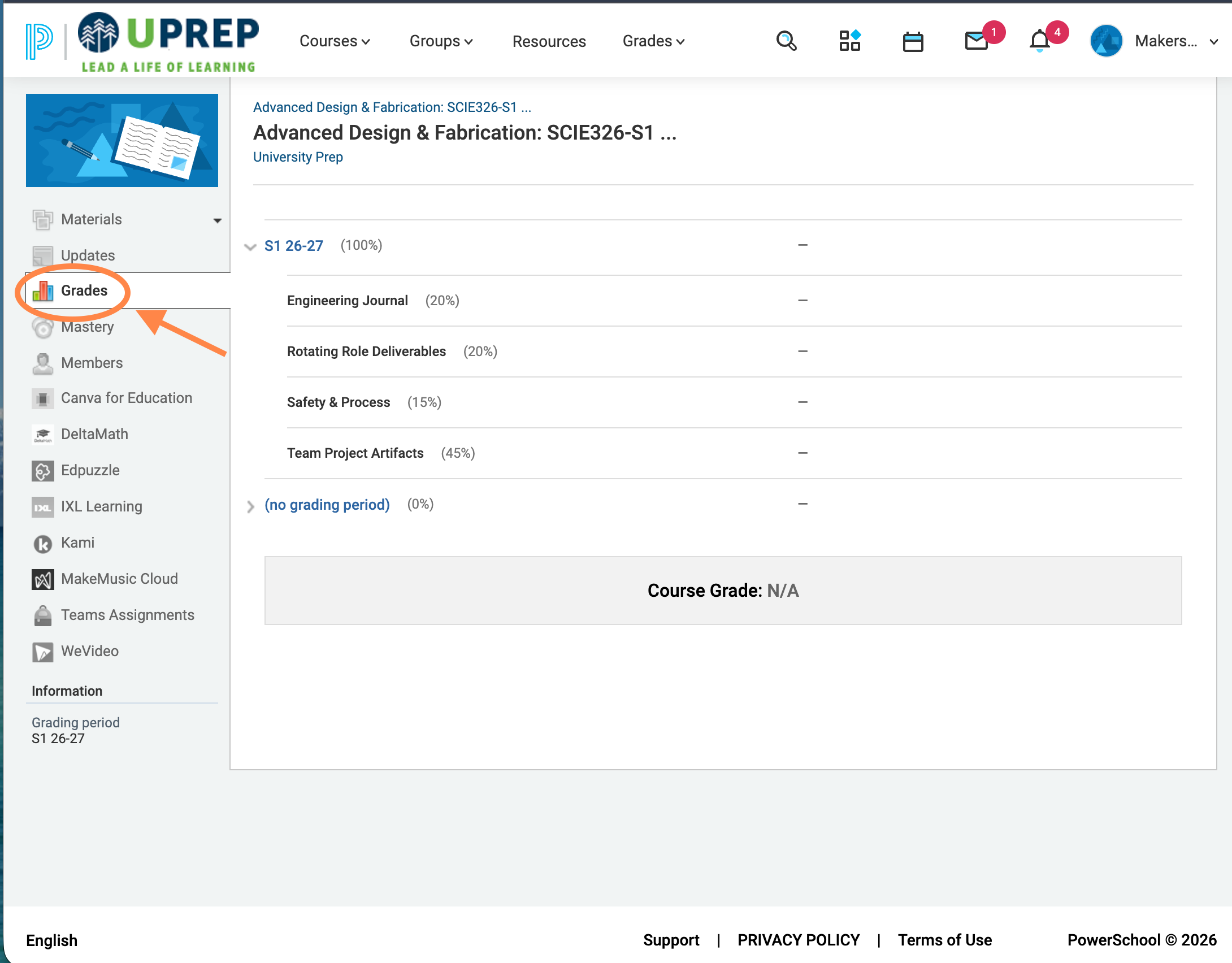
You can also click Grades in the top menu bar to see grades across all of your courses at once.
If you see a flag (like Missing, Incomplete, or Exempt) next to an assignment instead of a score, see Gradebook Exceptions (Flags) for what each one means.