Course Headers
A Course Header is a banner-style graphic pinned to the top of your course page. It's entirely optional — UPrep doesn't require one — but it's a popular way to add useful navigation links (Gradebook, Calendar, your Zoom link, office hours) and some visual identity to a course.
How It Works
Course Headers aren't a distinct Schoology feature; they're built by combining two existing tools:
- Build the header content in a Schoology Page or a Google Doc: a title, your contact information, and any links you want pinned.
- Copy the finished content and paste it into a new Course Update (left-hand course menu).
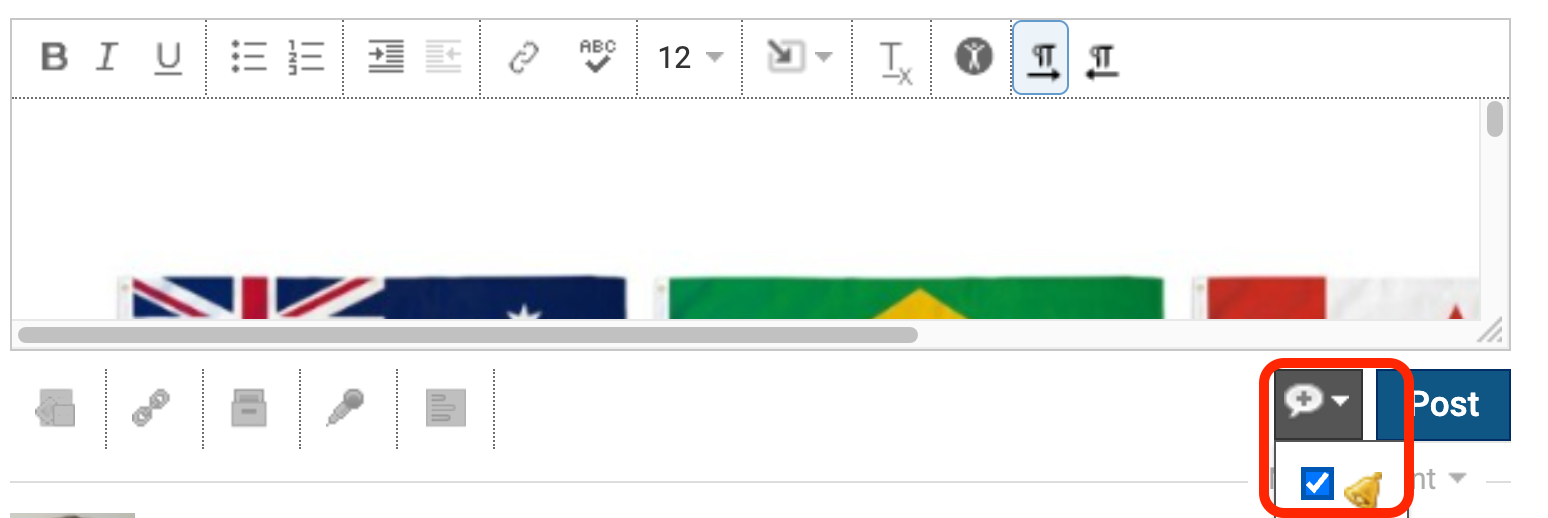
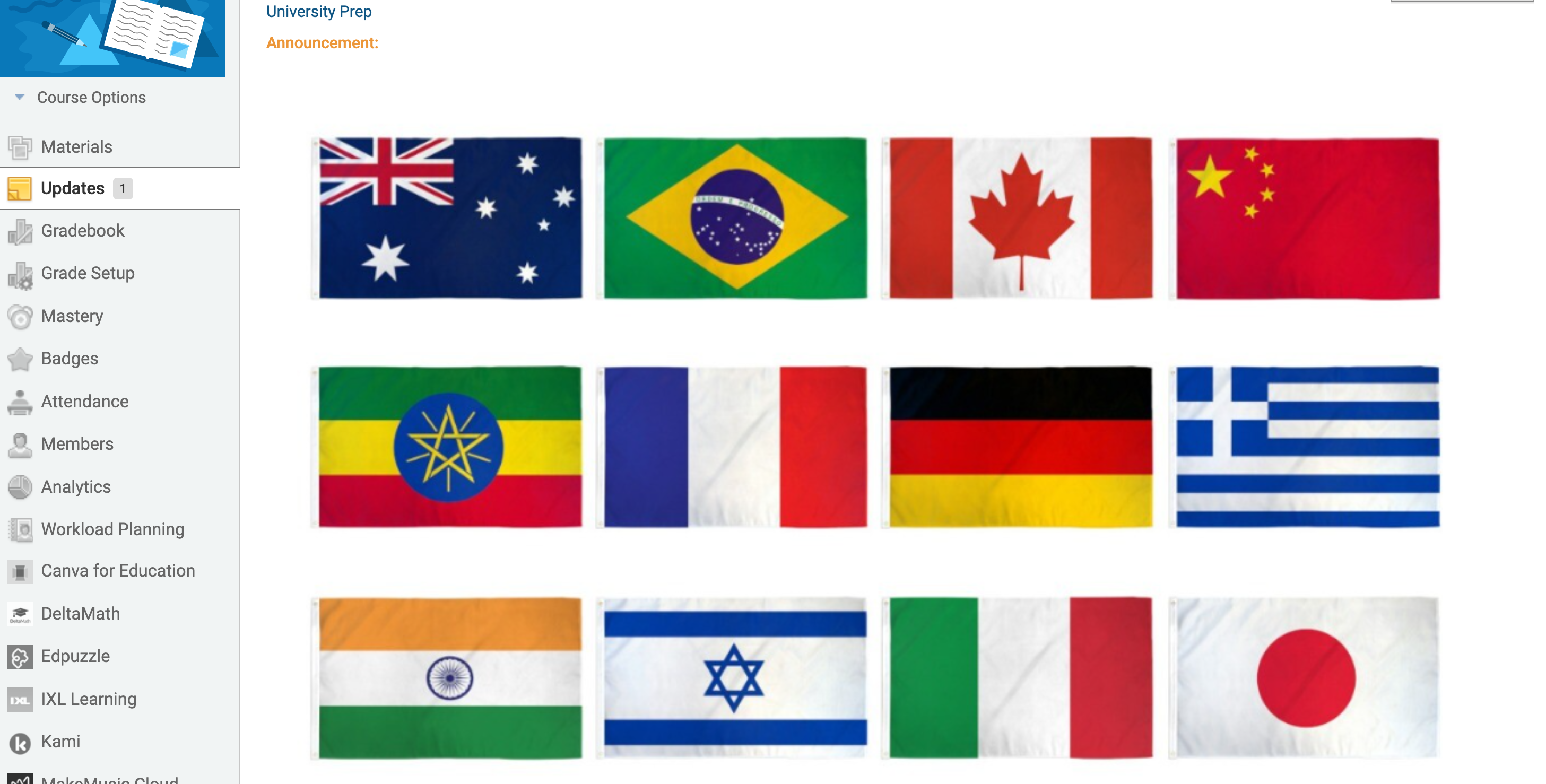
- Before publishing, click the speech bubble, then the bell icon in the lower right of the Update composer to mark it as an Announcement. This pins it to the top of the Updates page and the course home page until you remove it.
See Schoology's Course Updates documentation for more on posting and pinning Updates.
Want help designing one? E-mail June — we're happy to share a starting template.